

Small Business Service
Keep customers happy with a service solution that connects you with your customers. No matter where or when they need help.


Service solutions will help you scale.
Keep customers loyal and happy by delivering smarter service — from in-office to the field.
Reduce costs.
Help customers help themselves. Easily embed knowledge articles and give customers access to important data through a branded Help Center.
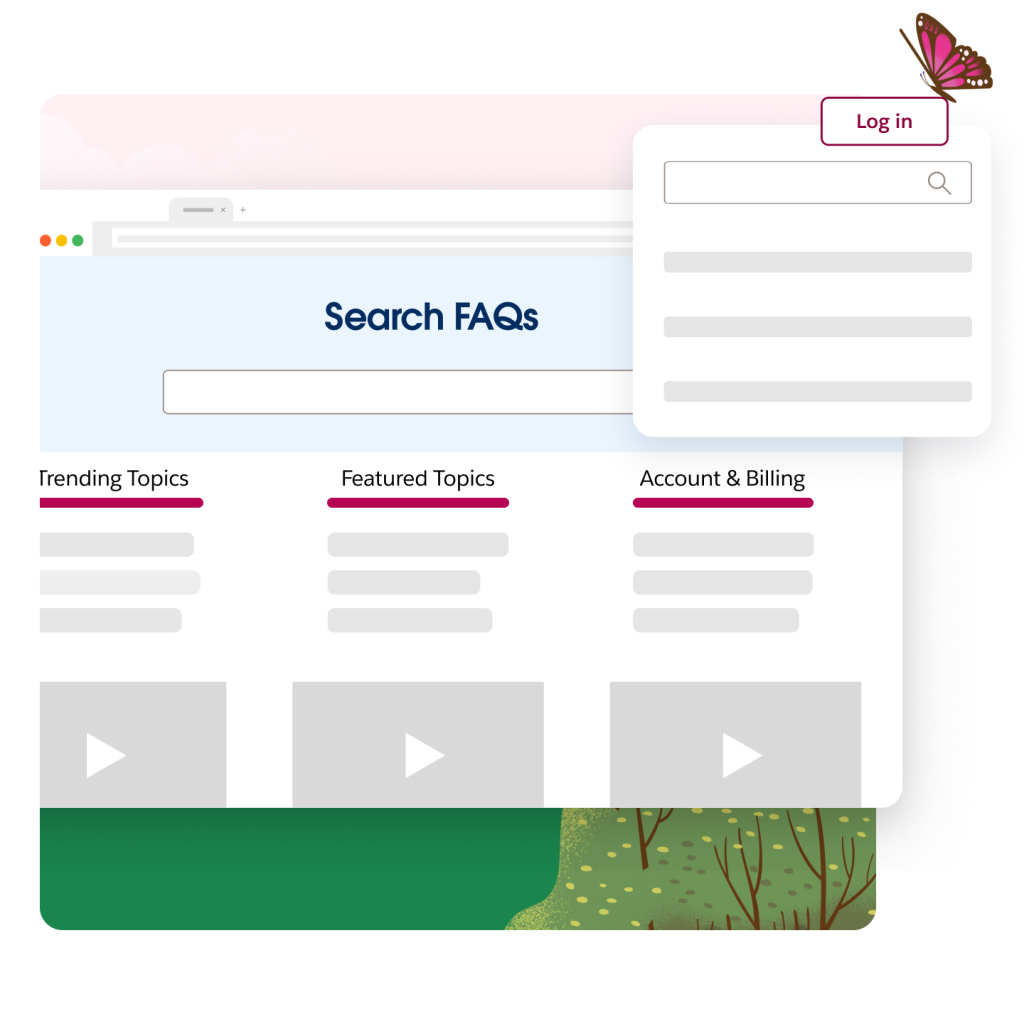
Give customers real-time answers to deflect cases and cut costs. Personalize content with the most relevant articles and enable chatbots to handle common FAQ.
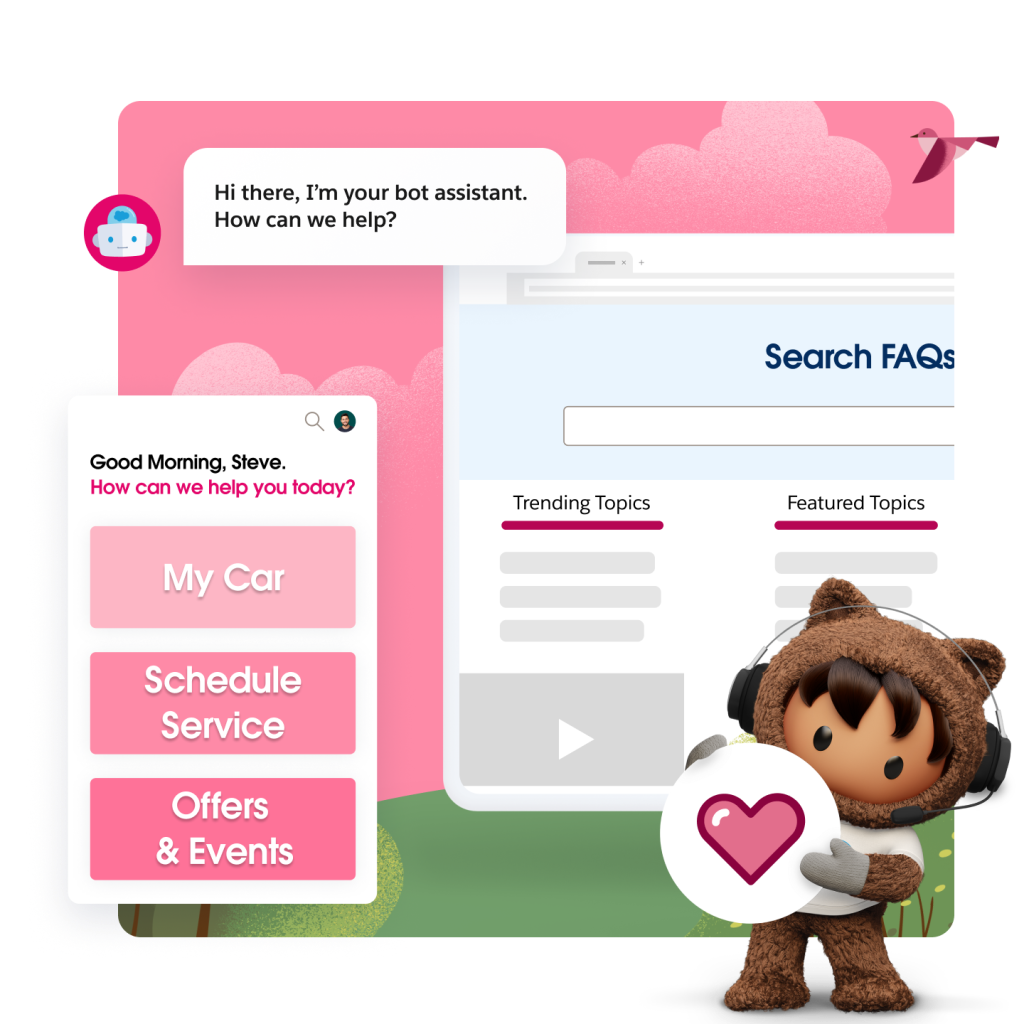
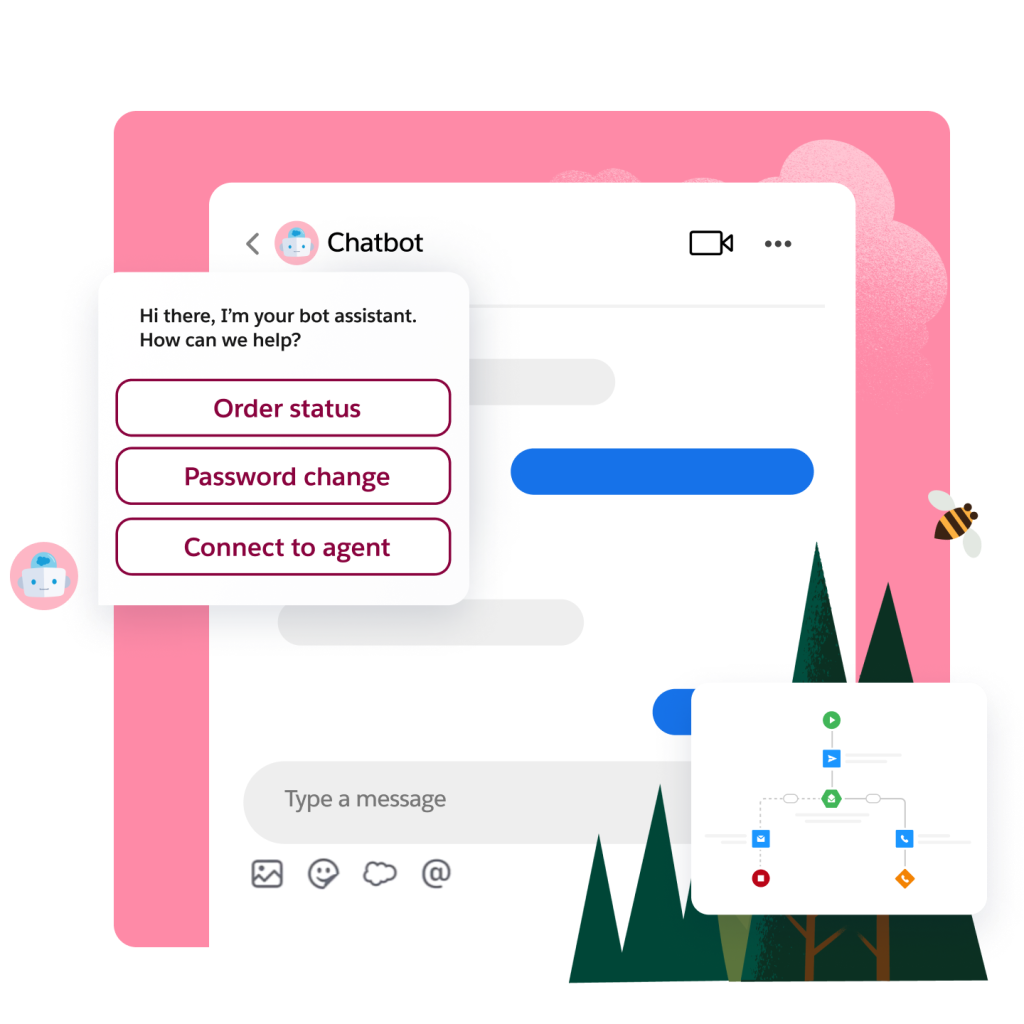
Resolve issues faster with intelligent chatbots. Automate routine requests, guide customers through next steps, or route them to the right agent.
Drive service efficiency.
Serve up the right case to the right person at the right time with actionable insights and recommendations driven by AI.
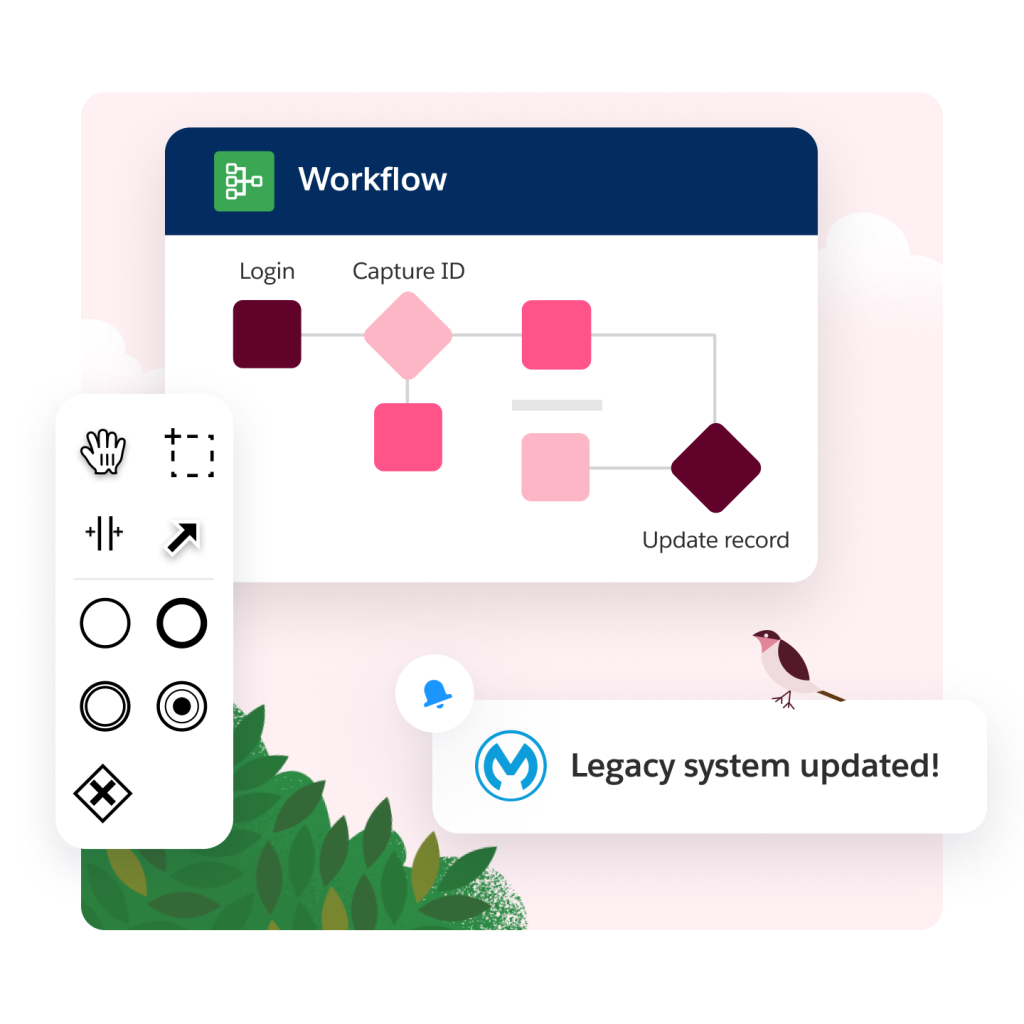
Empower your teams and power up your workflows with easy access to critical data — no matter where the data resides, even if it lives in other systems.
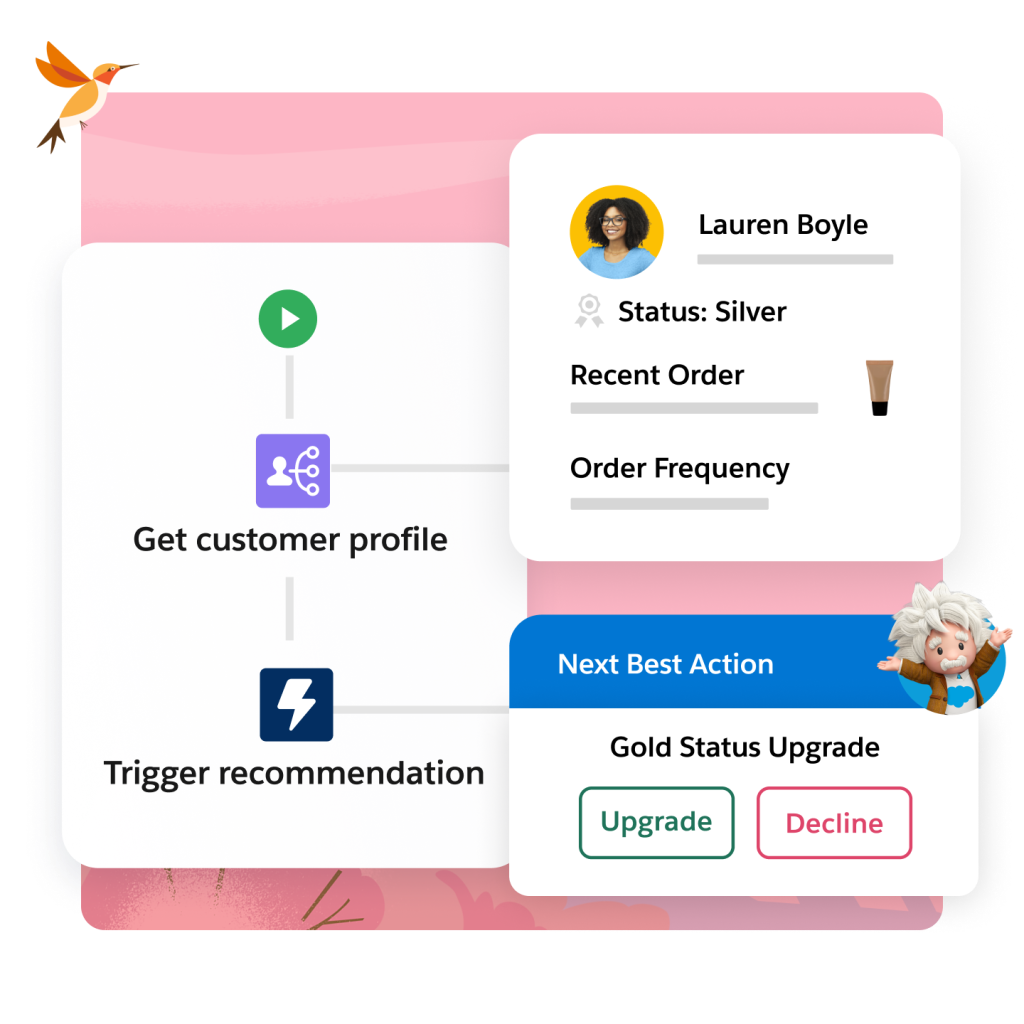
See every customer interaction in a chronological timeline, regardless of channel. Build a 360-degree view of every customer.

Power efficient field operations.
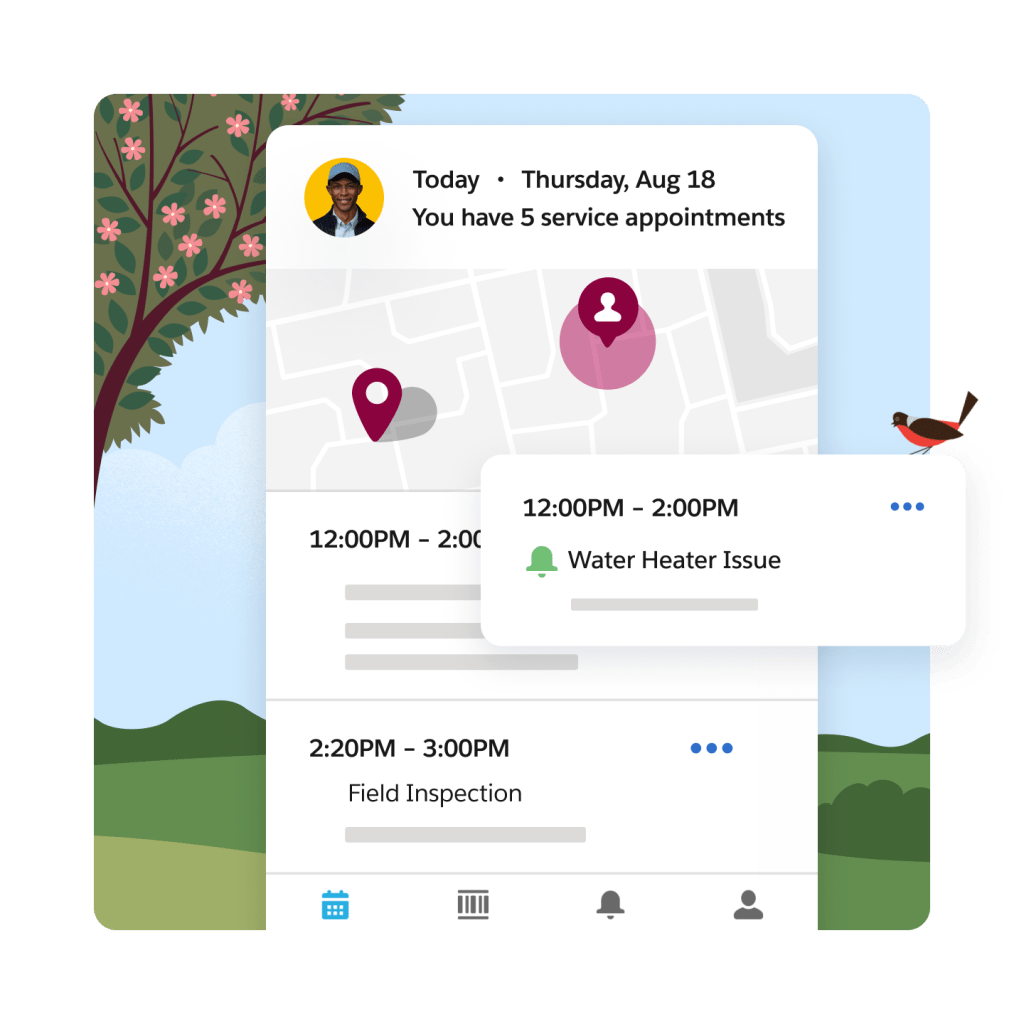
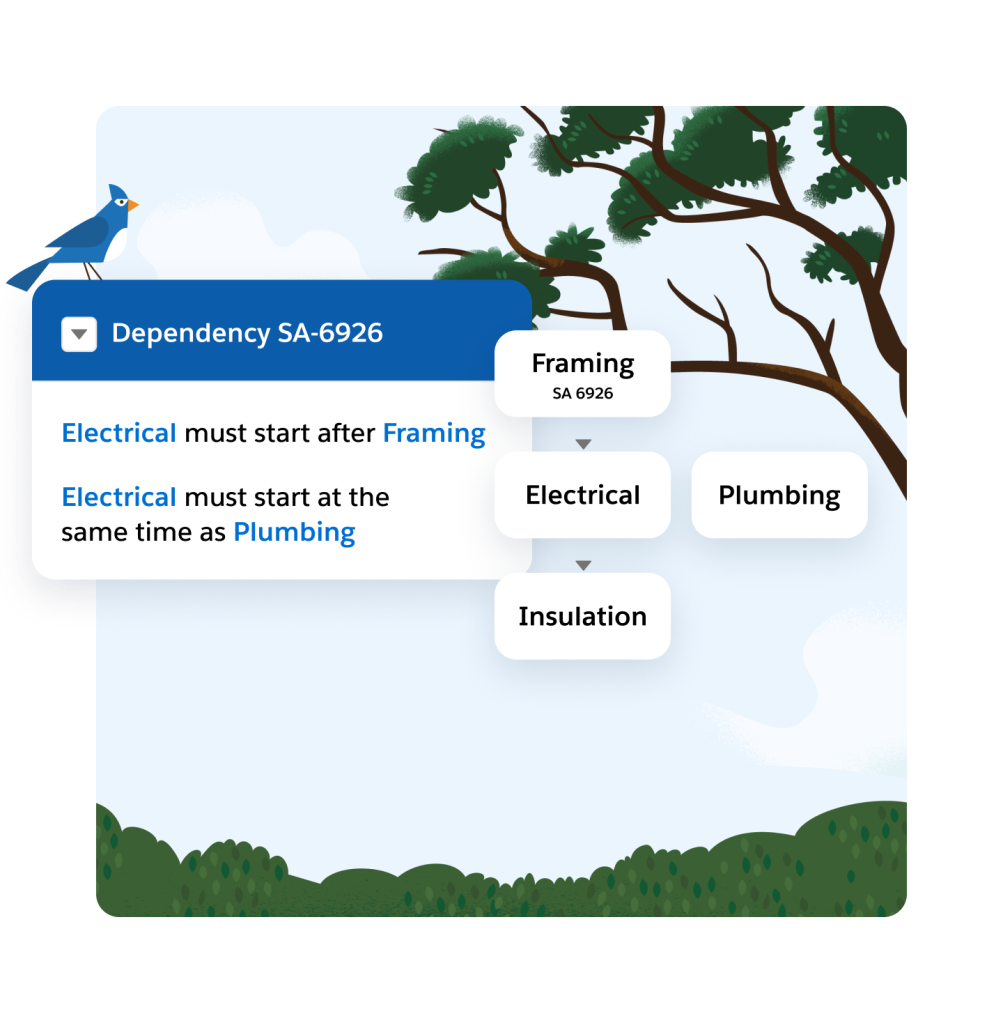
Minimize operating costs by ensuring that the right resources with the right skills and the right tools are on the best routes.

Increase productivity and ensure service consistency by connecting your front-line workforce to the right data and tools on the field.
Improve first-time fix rates by resolving issues from anywhere with live video. Connect customers and your front-line workforce with experts using augmented reality and interactive guidance.
Extend the power of service with these related products.
Self-Service
Deflect cases, cut costs, and boost efficiency by empowering your customers to find answers first.
Field Service
Streamline operations, boost profits, and increase happiness for your field team and customers.
Contact Center
Deliver service across all channels — phone, Self-Service, messaging, and chatbots — at scale.
Customer Service Automation
Scale support and boost customer satisfaction with personalized, smart, data-driven automation.


Grow fast with Starter Suite.
Start fast and grow faster with ready-to-use tools built into the world’s #1 CRM. Find more leads, win more deals, and keep customers happy all in a single, easy-to-use app.
Service for Small Business Pricing
Find the right solution for your business needs.
Starter
The simple CRM suite with marketing, sales, and service for small teams.
$
25
user / month
USD (billed annually)
- Email Marketing and Analytics
- Out-of-the-box Sales Processes
- Seamless Customer Service
Service Professional
The CRM for service.
$
80
user / month
USD (billed annually)
- Case Swarming
- Computer Telephony Integration (CTI)
- Omni-Channel Case Routing
Service Enterprise
The CRM for service with built-in AI.
$
165
user / month
USD (billed annually)
- AI for Customer Service
- Self-Service Help Center
- Workflow Automation
Service Unlimited
The CRM for service with chat and 24/7 support.
$
330
user / month
USD (billed annually)
- 24/7/365 support
- AI-Powered Chatbots
- Chat
This page is provided for information purposes only and subject to change. Contact a sales representative for detailed pricing information.


Get the most out of your service solutions with thousands of partner apps and experts.






Everything you need to maximize ROI.
From support, expert guidance, and resources to our trusted partner ecosystem, we're here to help you get more value from Salesforce in the AI era.
Learn new skills with free, guided learning on Trailhead.

Hit the ground running with service for small business tips, tricks, and best practices.




Ready to take the next step?

Start your trial.
Hit the ground running fast with ready-to-use tools that don’t require a ton of setup.

Talk to an expert.
Tell us a bit more so the right person can reach out faster.

Watch a demo.
See how Salesforce CRM can help your small business succeed today.

Help Desk Software for Small Business FAQ
Help desk software powers the process and directs customers to where they need to go. It also allows help desk employees to methodically process and resolve service and support issues for internal or external customers through opening support tickets. It then routes and escalates those tickets as needed to help employees address customer concerns.
Salesforce offers a help desk software built for small businesses that allows you to provide answers faster and deliver smarter service across any channel with Service Cloud. With Salesforce, get smart about support by automating redundant tasks to increase agent productivity, so your teams can get back to doing what they do best — helping customers. Unify your help desk with access to a 360-degree view of customer data across service, sales, and marketing. Provide your agents with a complete view of the customer so they can provide faster and more personalized support. Tailor your Service Cloud experience to meet the needs of your team. Configure your own workflows and customize consoles with the ease of drag and drop. Even connect with outside systems, such as Mailchimp, Dropbox, GetFeedback, and more. Access thousands of plug-and-play apps from the Salesforce AppExchange.
When choosing a help desk software for a small business, consider factors such as ease of use, ticket management capabilities, integration options, scalability, and pricing. Look for a user-friendly solution that allows for efficient customer support, streamlined issue resolution, and effective collaboration between team members. Service Cloud offers a comprehensive help desk software that enables small businesses to deliver exceptional customer service, manage support tickets, and optimize their support operations.
When your customers have questions, your customer service team needs to be equipped to answer them quickly and easily. When your customer service is frictionless, customers are more likely to return to your product or service. Service Cloud gives agents the tools to deliver an outstanding customer experience, enabling them to work faster and more productively, which improves customer satisfaction and reduces costs. And with Service Cloud and Customer Communities, you can create a self-service community that allows customers to tap into the best information about your product, connect with peers, or contact a support agent when needed.
The Salesforce Console was designed with agent productivity in mind. With features such as email to case, skills-based routing, macros, and milestone tracking, Service Cloud gives agents the tools to quickly and efficiently respond to customers on any channel. Agents enjoy a streamlined, intuitive experience that gives them a 360-degree view of your customers, a comprehensive knowledge base, and access to company experts. It’s not just about your agents; your entire organization can glean insights from a case history or help provide technical expertise that answers a common service question.
Insights about customer service issues can be shared and added to a knowledge base so that agents can help customers even faster. In addition to shortening case resolution time, this kind of connected service also makes agents happier. It all comes down to giving them the tools to do more for customers — which in turn drives customer loyalty and referrals.
A self-service community is a customer portal that allows you to help customers help themselves. Delivering self-service means showcasing your knowledge base and offering case management to customers, so they can get answers to their questions anytime, on any device, from community content or peers. This allows your agents to focus on solving the most complex issues. And you can even create an internal self-service community for your employees to collaborate around content and business processes.
With Service Cloud and Community Cloud, you can deliver a self-service community or customer portal that is an extension of your brand, while enabling agents to jump on the case when needed, so no question goes unanswered. Extend your support via a fully branded experience where customers — and employees — can tap into articles and discussions, and ask questions of other community members or agents with Service Cloud and Community Cloud.
With Salesforce’s customizable reports and dashboards, you can monitor your service metrics and track key performance indicators that are important to your business, whether it’s the customer satisfaction score or average handle time. Dashboards provide high-level visibility at a glance, and customizable reports let you drill down for detailed information on the performance of your customer engagement center, call center, or help desk. Creating your own reports and dashboards is a snap; there’s no need to wait for overloaded IT resources.
Field Service is our field service management solution built on Service Cloud that provides your business with the essential tools to deliver a faster, smarter, and connected customer experience from the contact center to the field. Field Service Lightning lets your business create and track work orders, manage assets, schedule work intelligently, view and manage jobs in real time, and access and update information from any mobile device. With Field Service Lightning, you can transform the connected customer experience and equip your agents, dispatchers, and mobile employees with the tools they need to deliver powerful customer service anytime and anywhere.